
Scheduler
The Scheduler runs a custom HTTP request on a cron schedule: pick the method, URL, headers, auth, and body; choose how often it fires; and review every run’s result and latency. Jobs are project-scoped and run on Deploys.app — there is nothing to host, and each scheduled time fires exactly once.
What you get#
- Cron-driven HTTP requests — a 5-field cron expression (or a macro like
@hourly) in the timezone of your choice, firing a fully-customizable request. - Full request control — method, URL, custom headers, request body, and optional Basic or Bearer authentication.
- Pause / resume — stop a job without deleting it, and bring it back later.
- Manual trigger — run a job once, right now, and see the result.
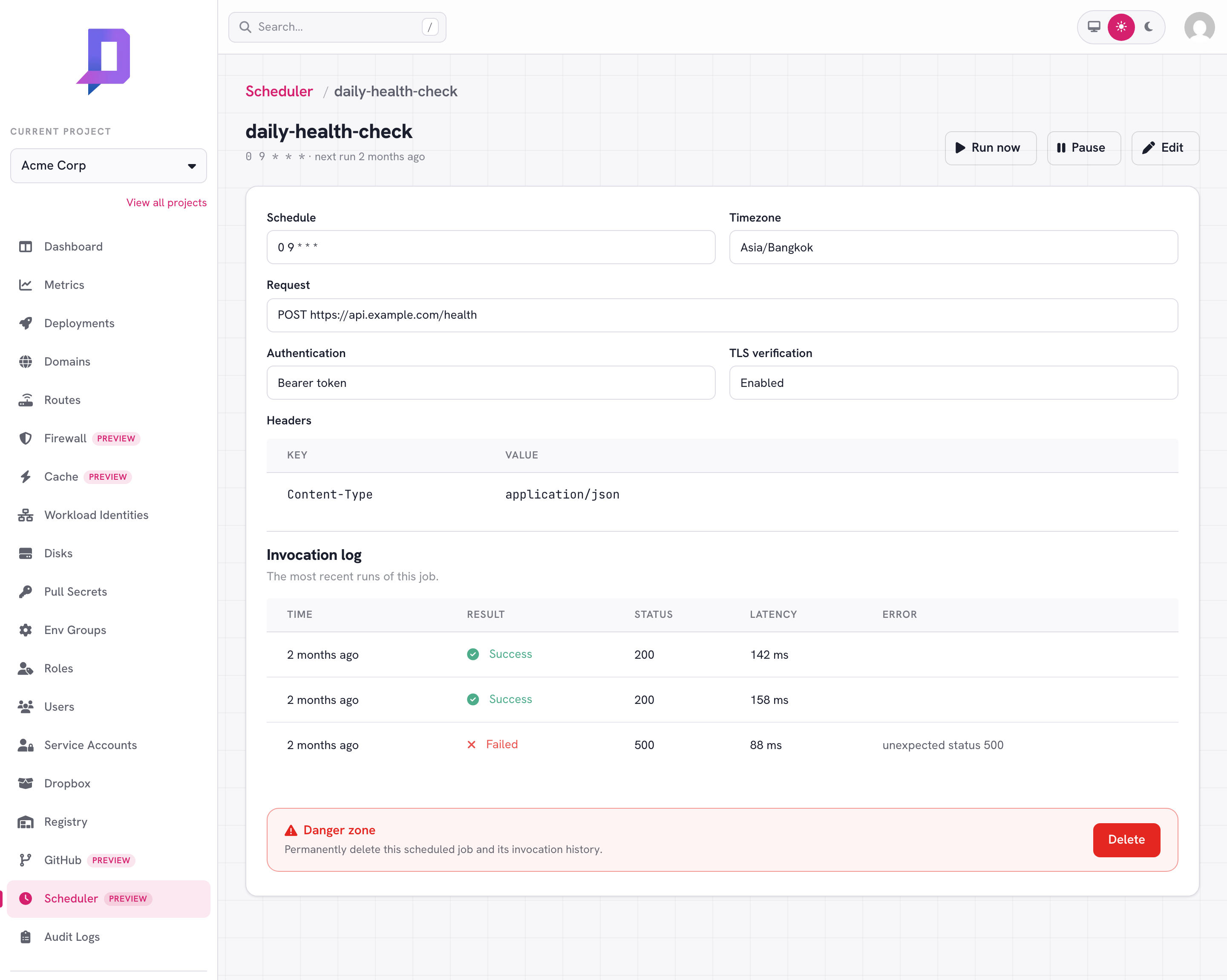
- Invocation log — every run records its timestamp, success/failure, HTTP status, and latency.
Create a job#
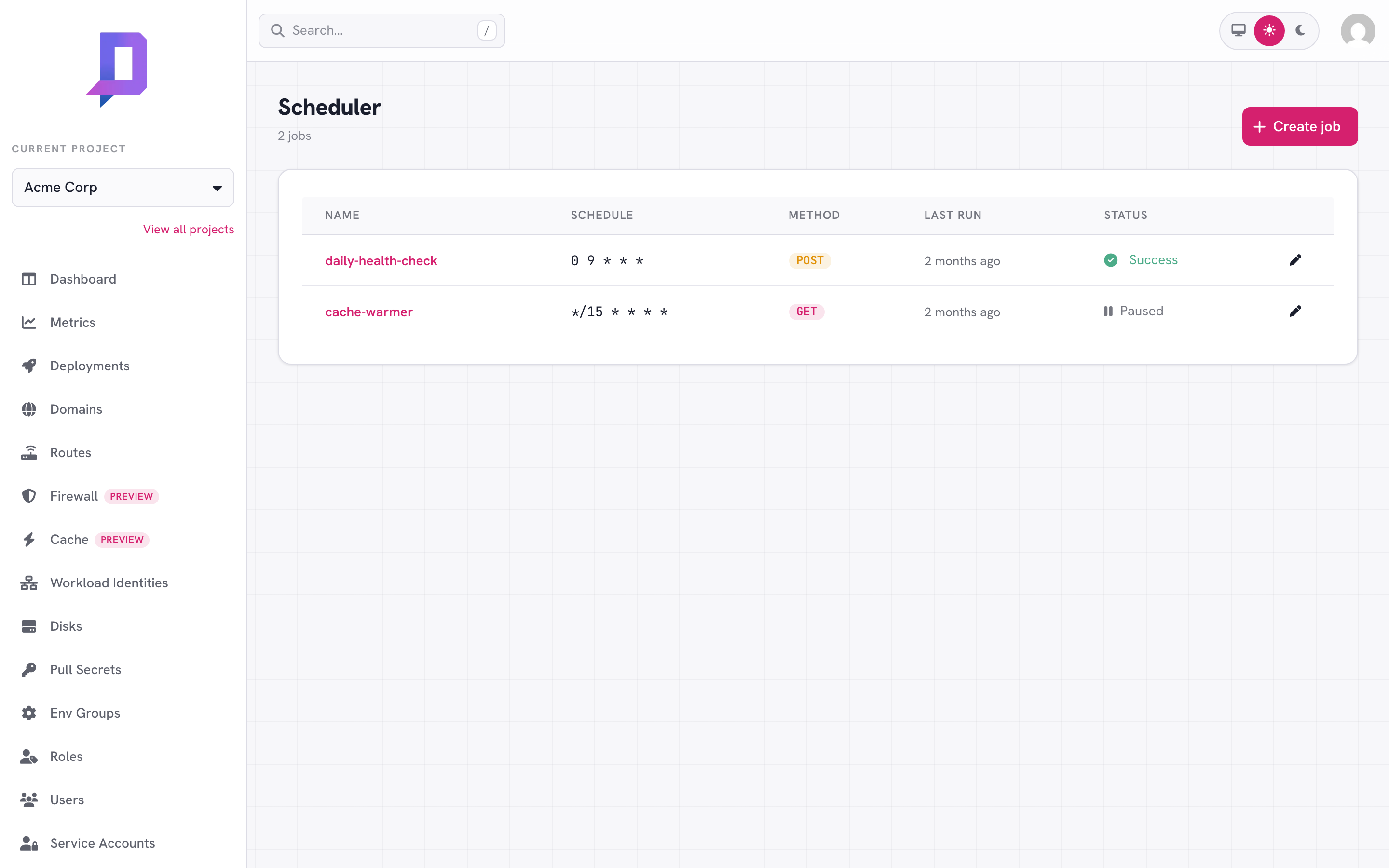
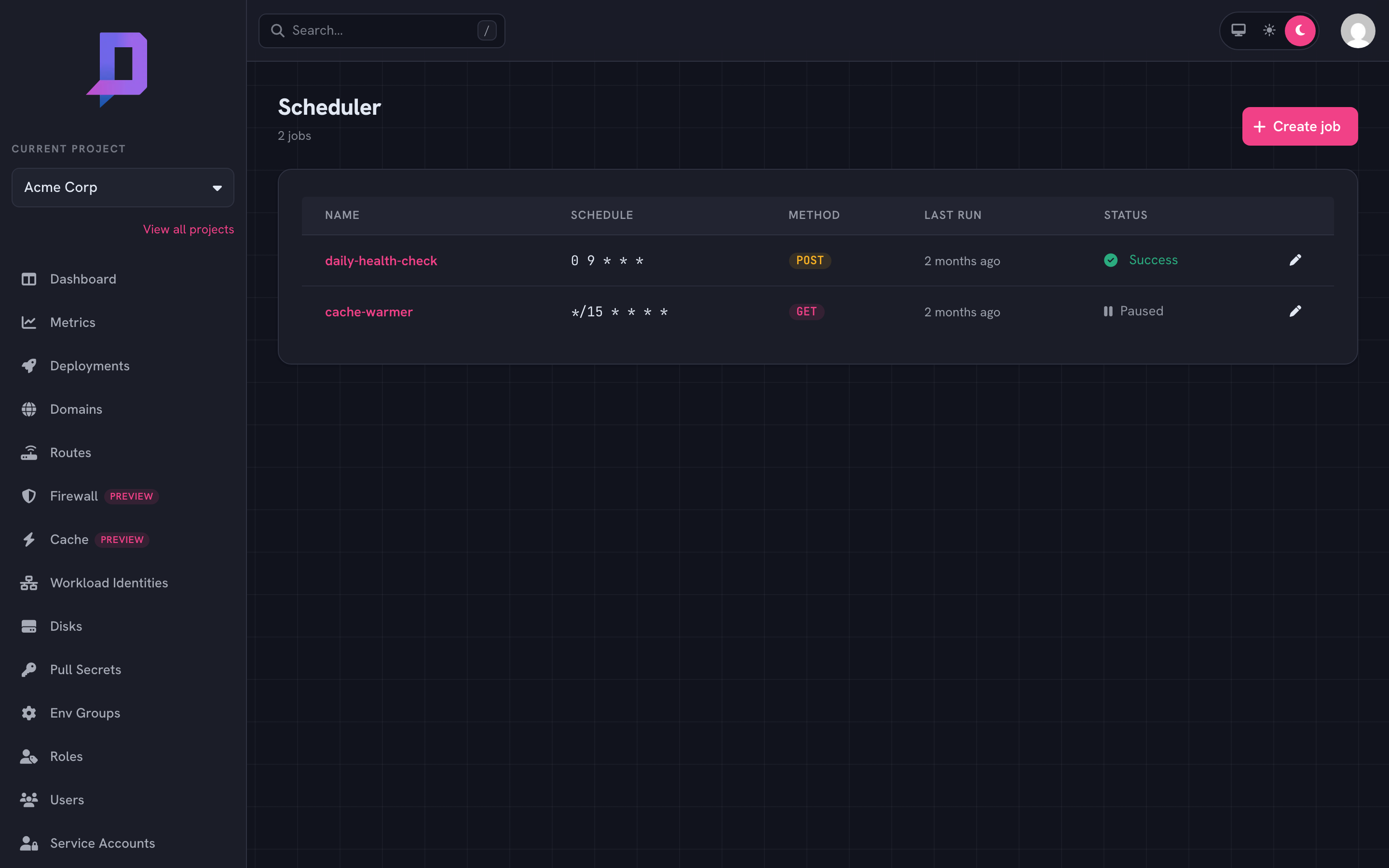
From the console, open Scheduler and click Create job. Or use the CLI:
deploys scheduler create \
  --project acme \
  --name daily-health-check \
  --schedule "0 9 * * *" \
  --timezone Asia/Bangkok \
  --method POST \
  --url https://api.example.com/health \
  --header Content-Type=application/json \
  --body '{"check":true}'
Fields#
| Field | Description |
|---|---|
| Name | A project-unique name (lowercase, e.g. daily-health-check). |
| Schedule | A 5-field cron expression (*/5 * * * *) or a macro (@hourly, @daily, @every 30m). |
| Timezone | An IANA timezone (e.g. Asia/Bangkok) the schedule is evaluated in. Defaults to UTC. |
| Method | GET, POST, PUT, PATCH, DELETE, HEAD, or OPTIONS. |
| URL | The http/https endpoint to call. |
| Headers | Custom request headers. |
| Body | An optional request body. |
| Authentication | None, Basic (username + password), or Bearer (token). |
The schedule#
Schedules use standard 5-field cron — minute, hour, day-of-month, month, day-of-week — evaluated in the job’s timezone:
0 9 * * *        every day at 09:00
*/15 * * * *     every 15 minutes
0 0 * * 1        every Monday at midnight
Descriptor macros are also accepted: @yearly, @monthly, @weekly,
@daily, @hourly, and @every <duration> (e.g. @every 90m).
Authentication#
Set Basic or Bearer auth and the Scheduler adds the right
Authorization header on every request:
# Bearer token
deploys scheduler create --project acme --name notify \
  --schedule "@every 10m" --method POST --url https://hooks.example.com/ping \
  --auth-type bearer --auth-secret "$TOKEN"
scheduler get or shown in the console. On edit, leave the
secret blank to keep the stored one; set it to replace it.User-Agent and the firewall#
Scheduled requests are sent with a default User-Agent: deploys-scheduler/1.0
so they can be allowlisted at a firewall. If a job targets one of your own
Deploys.app deployments protected by a WAF zone, allow
that User-Agent in your zone. You can override it by setting your own
User-Agent header on the job.
TLS verification#
For HTTPS targets with self-signed or otherwise untrusted certificates, enable
Skip TLS verification (--insecure-tls). Requests are still blocked from
reaching private, loopback, link-local, and cloud-metadata addresses.
Pause, resume, and trigger#
Pause a job to stop it firing without losing its configuration; resume to start it again on its schedule. Trigger runs it once immediately — handy for testing — and returns the result.
deploys scheduler pause   --project acme --name daily-health-check
deploys scheduler resume  --project acme --name daily-health-check
deploys scheduler trigger --project acme --name daily-health-check
Invocation log#
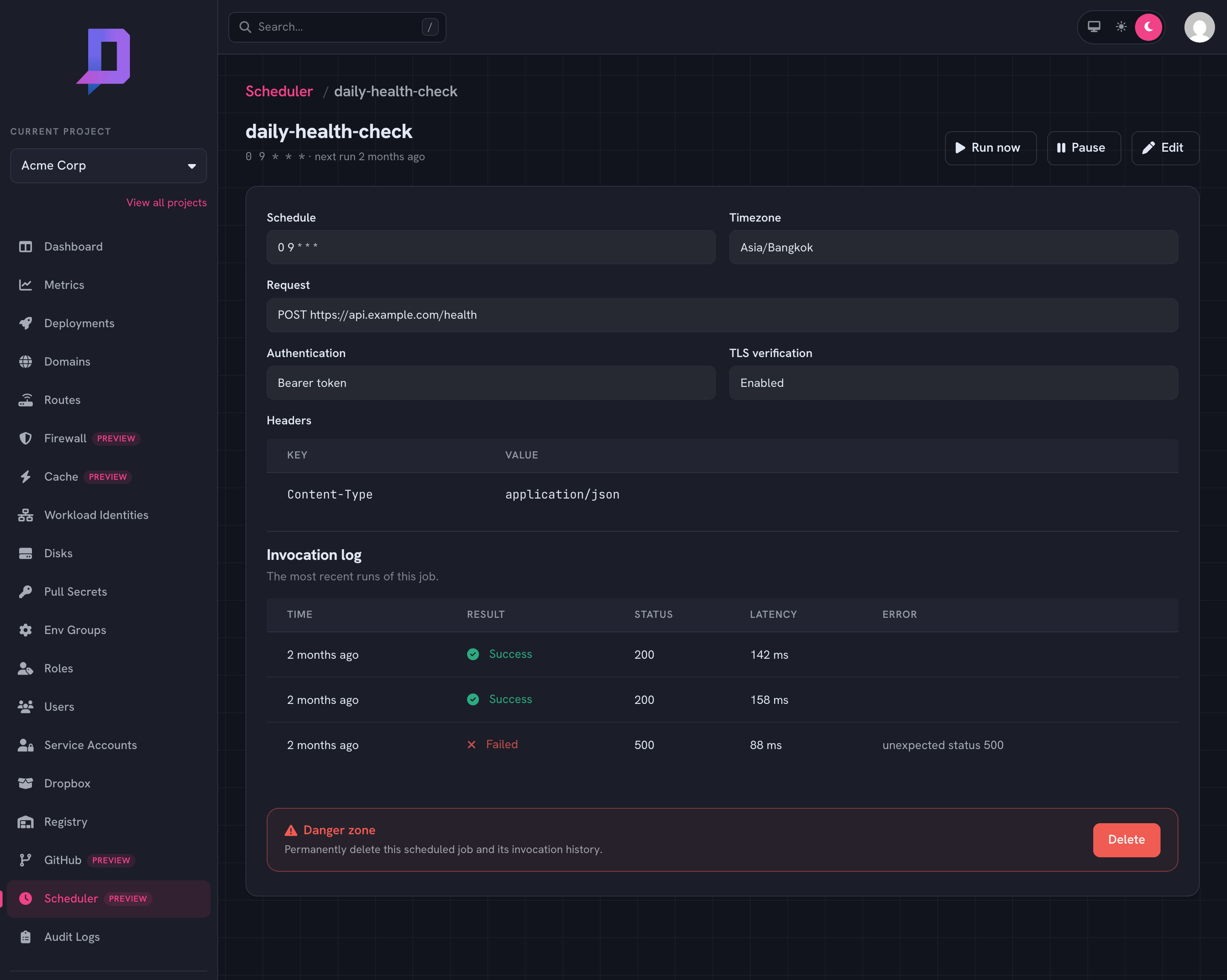
Every run is recorded. Open a job to see its recent invocations — timestamp, success or failure, HTTP status, and latency — or from the CLI:
deploys scheduler logs --project acme --name daily-health-check --limit 50
Permissions#
| Action | Permission |
|---|---|
| Create | scheduler.create |
| Edit / pause / resume | scheduler.update |
| View / list / logs | scheduler.get / scheduler.list |
| Delete | scheduler.delete |
| Trigger (run now) | scheduler.run |
Grant these on a role like any other permission.